Add a task without switching apps
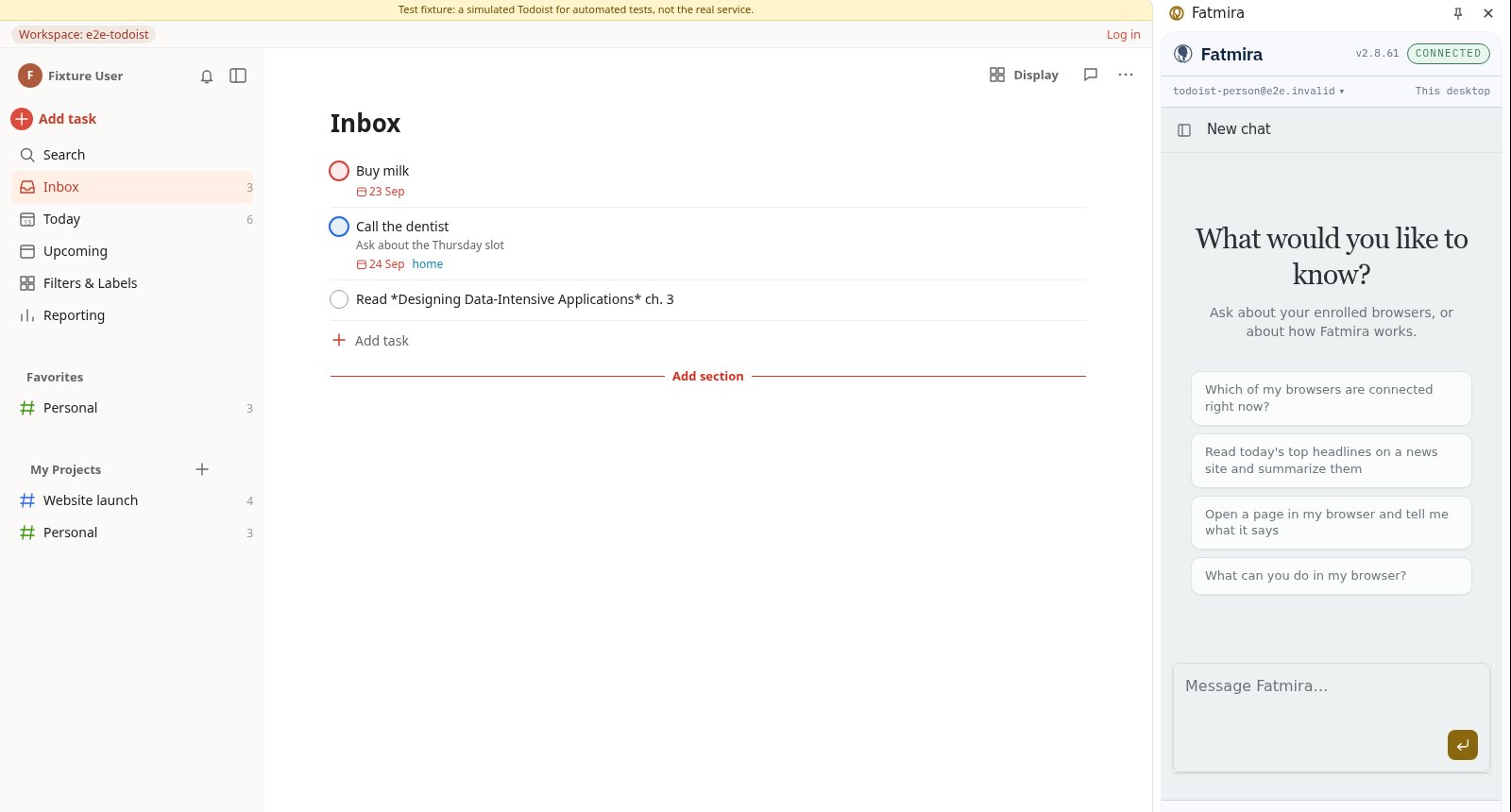
Tell the side panel what needs doing. Fatmira adds it to your task list and tells you it's there.
What you say
“Add a task called Renew the library card.”
What Fatmira does
- It opens your inbox. It goes to your task app in the browser, where you're already logged in.
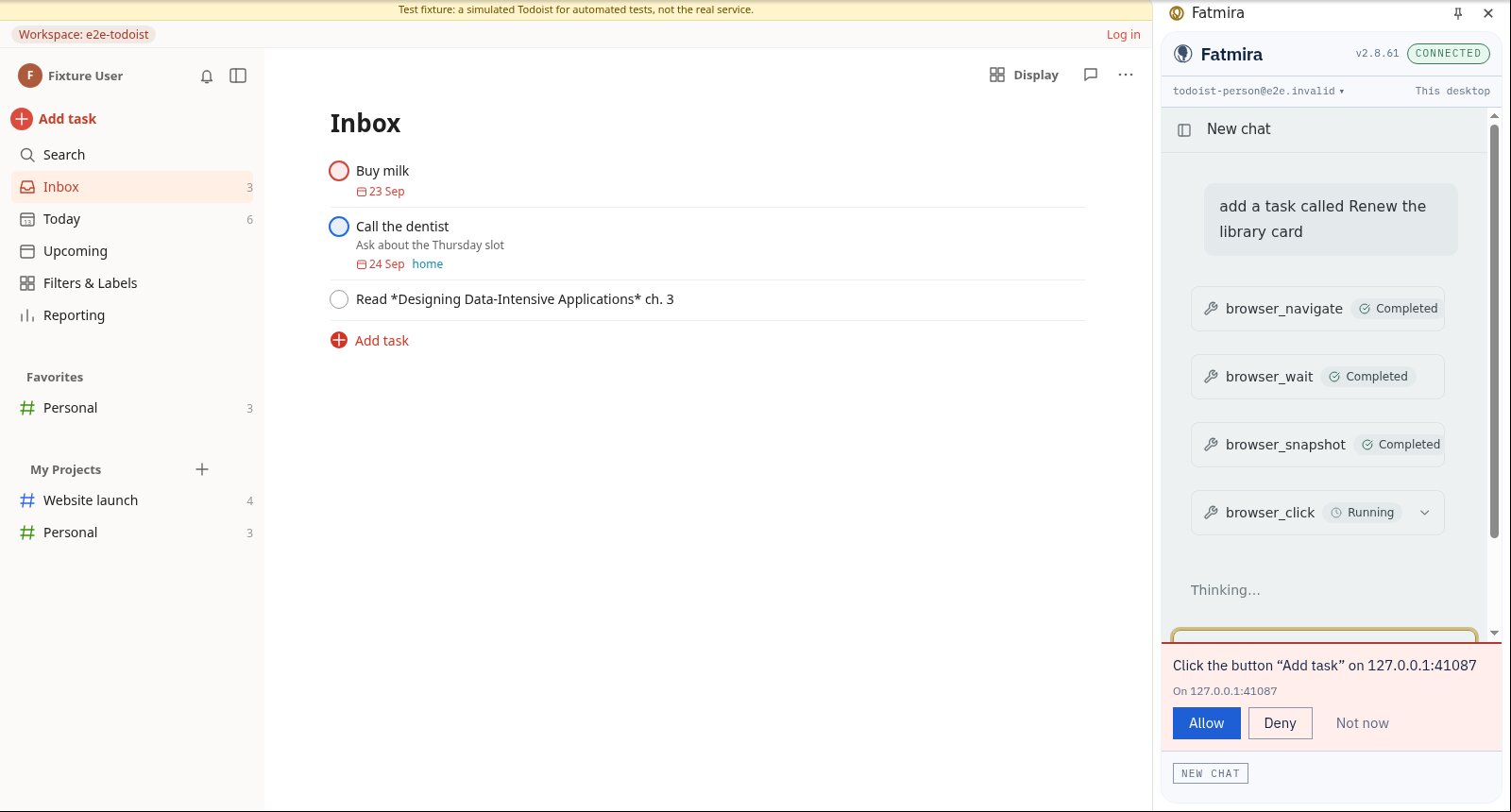
- It types the task. It opens Add task and types the name you gave.
- It asks before it submits. The panel shows the exact action before it happens. When it can't tell what a key press will do, it says so and asks.
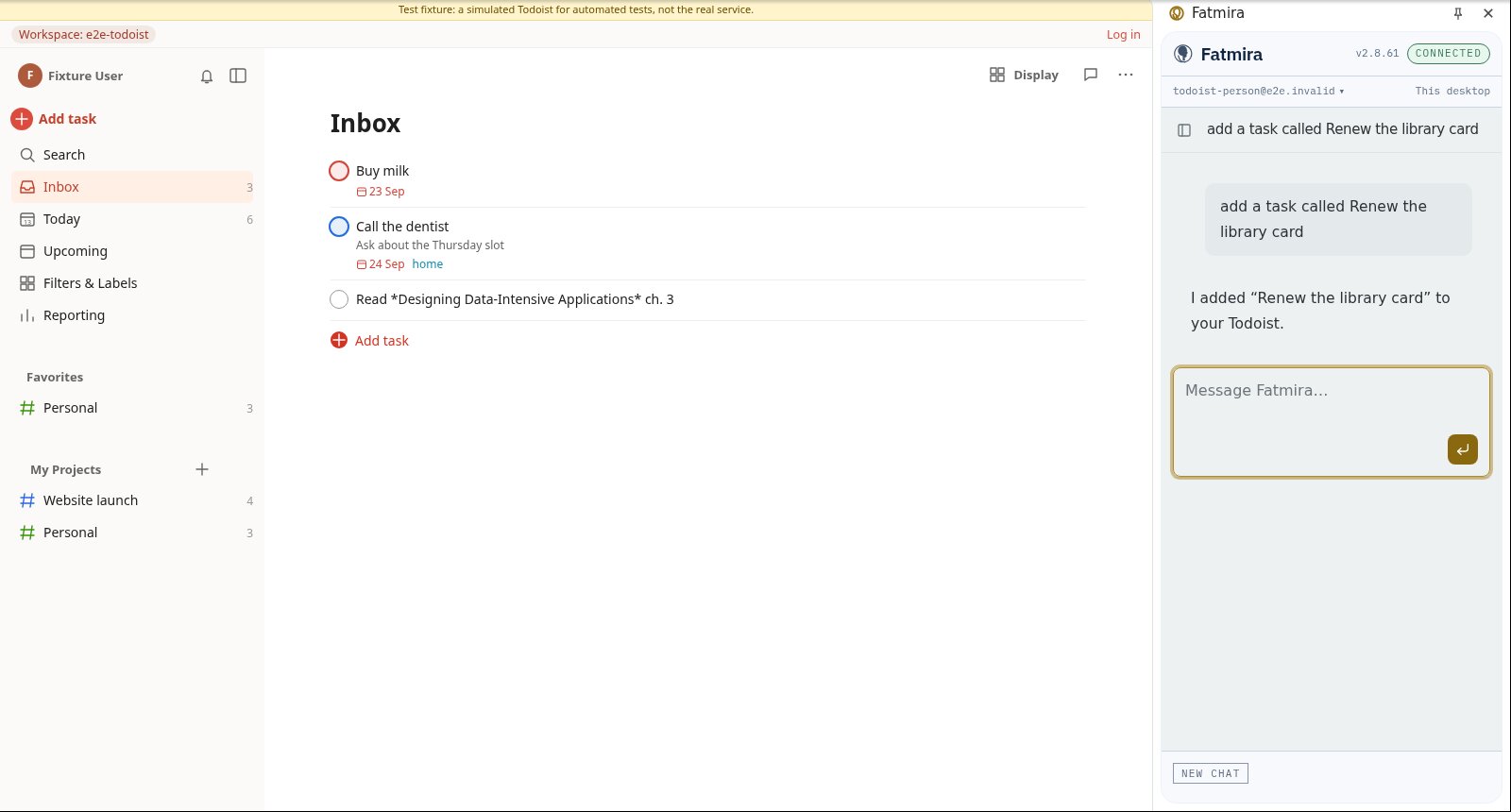
- It tells you. Once added, the reply says so. If you said no, it says nothing was added.
Watch it run
What you get
- One new task with the exact name
- If you deny, no task, and the reply says so
Good to know
- It adds to your Inbox unless you name a project.
How we know it works
The test reads the task store afterwards: one new task after Allow, and no change at all after Deny.
The screenshots come from that automated run, so the model's steps are scripted and the site is our test fixture, not the real product. A real-model run on the same task is still to come.
Try a variation
- “Make a task for each action item in these notes.”
- “What's overdue in my Website launch project?”