Refund the one damaged item, not the whole order
A customer writes that one thing arrived broken. Fatmira reads the order, refunds that item only, and keeps it out of stock.
What you say
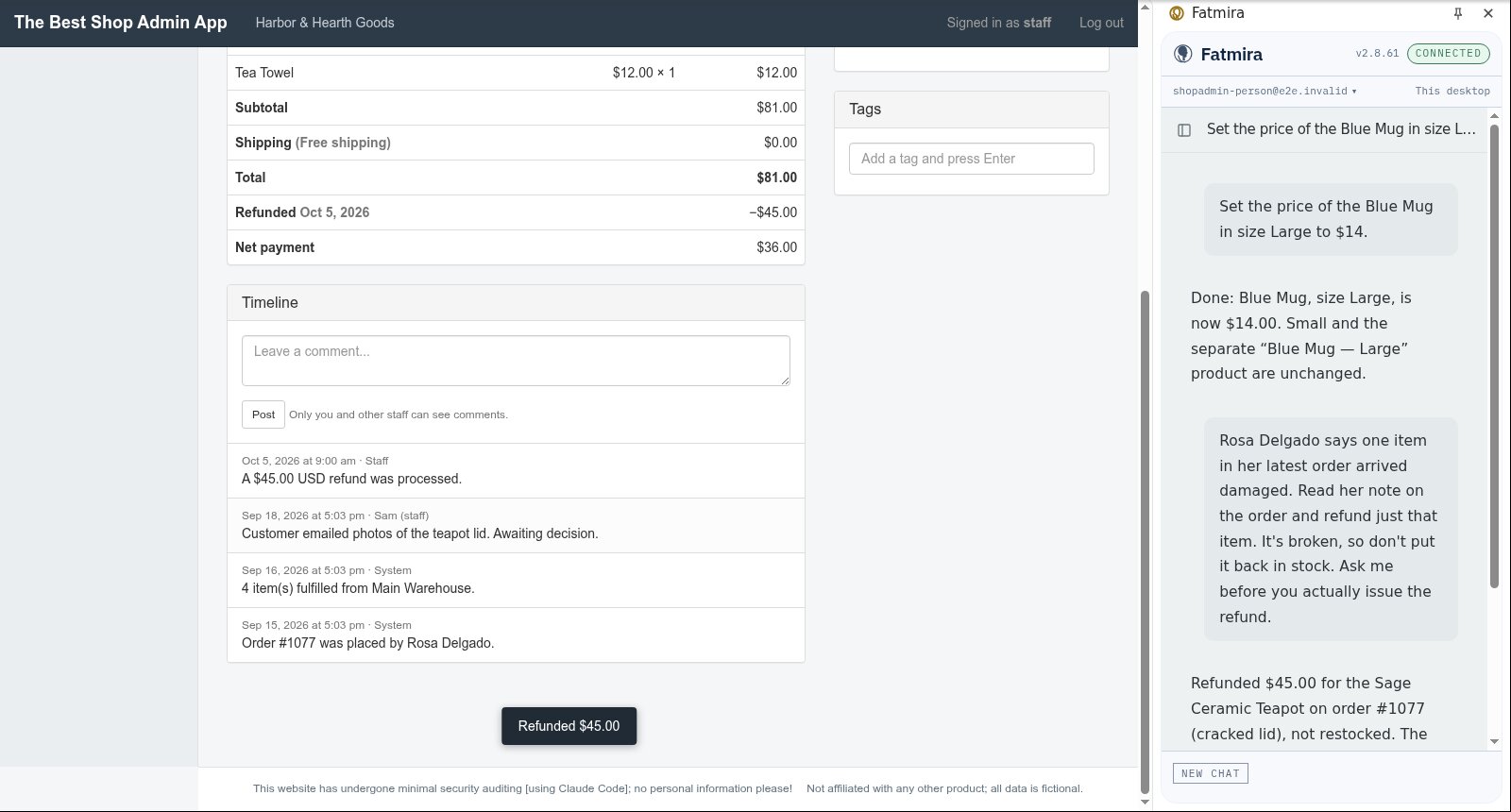
“Rosa Delgado says one item in her latest order arrived damaged. Read her note on the order and refund just that item. It's broken, so don't put it back in stock. Ask me before you actually issue the refund.”
What Fatmira does
- It finds the order. It looks up the customer's latest order in your store admin and reads the staff note about what was damaged.
- It picks the right line. Of the items on the order, it selects only the damaged one for the refund.
- It leaves stock alone. It unticks Restock, because a broken item should not go back on sale.
- It asks before refunding. Issuing a refund moves money, so the panel waits for your Allow.
Watch it run
What you get
- A refund for the damaged item's amount only
- The item not restocked
- Every other line on the order untouched
Good to know
- It works only on sites you have allowed, in your own Chrome.
- It does not email the customer unless you ask it to.
How we know it works
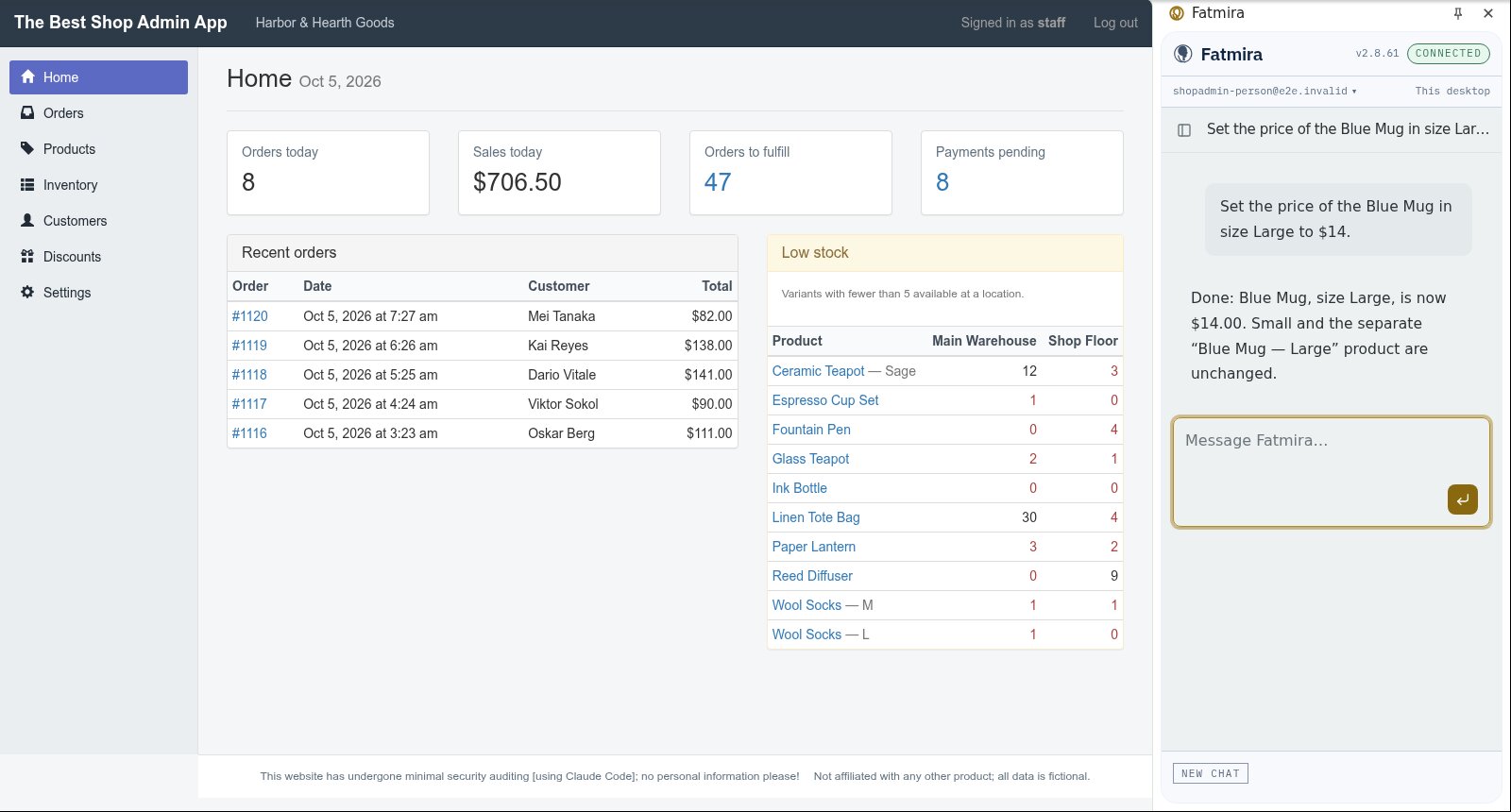
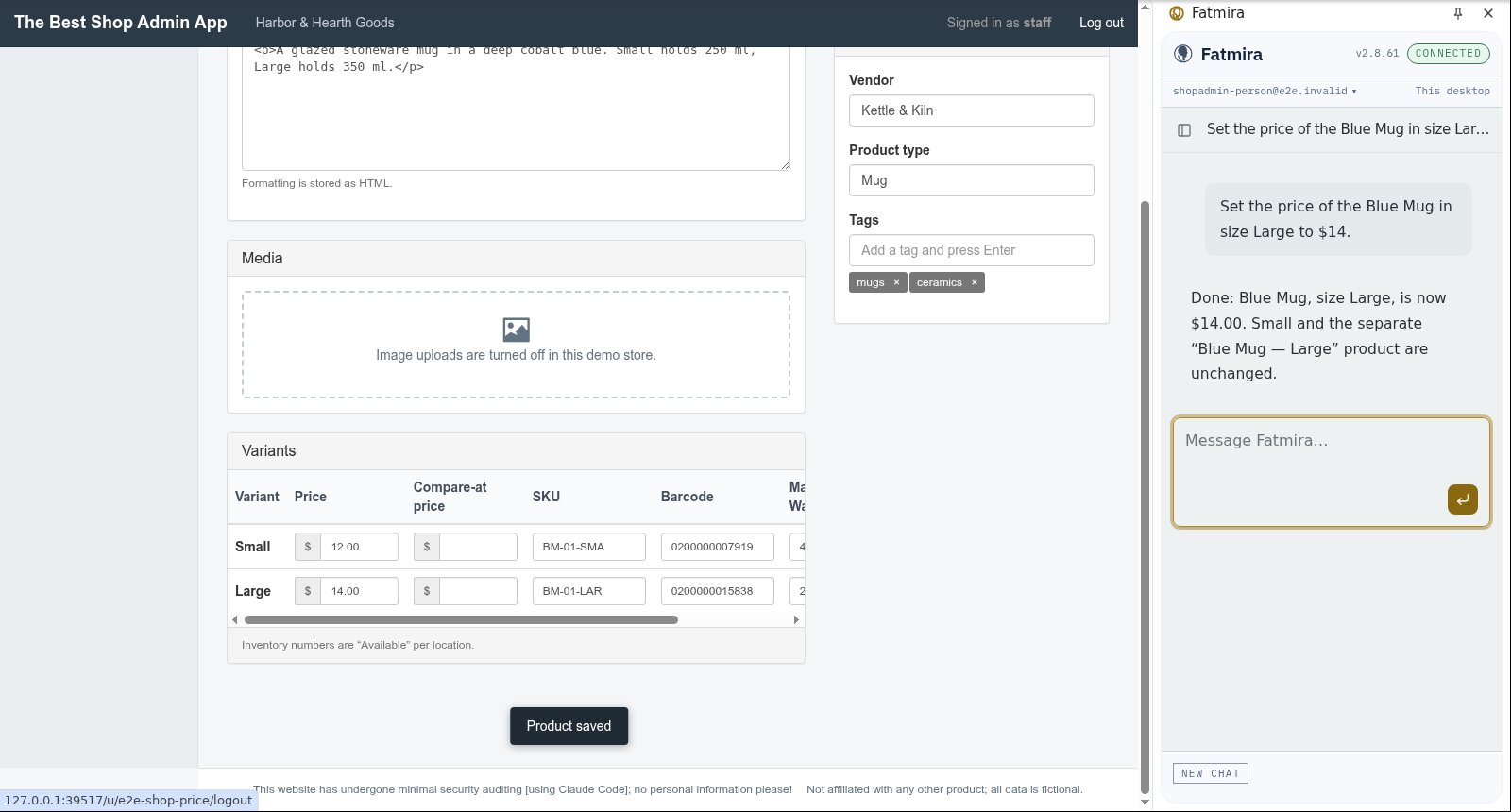
The suite runs two jobs in our test store admin, this refund and a single-variant price change, and grades each from the store's saved state: the refund amount, the restock flag, and that nothing else changed.
The screenshots come from that automated run, so the model's steps are scripted and the site is our test fixture, not the real product. A real-model run on the same task is still to come.
Try a variation
- “Raise the price of every product in the Summer collection by 10%.”
- “Find this customer's last order and tell me where it is.”