Fill in missing company details from their own websites
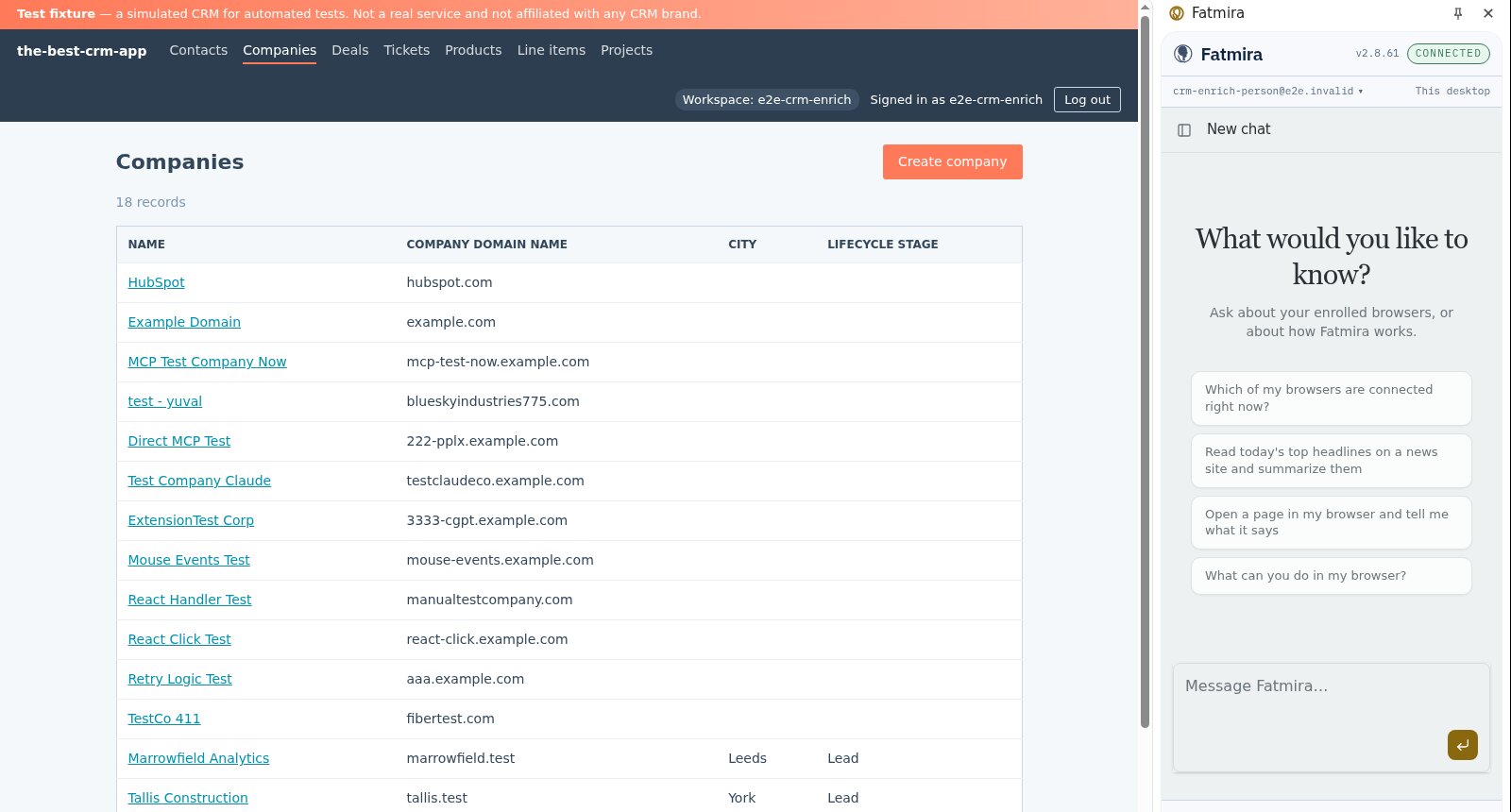
Half your company records have no industry or headcount. Fatmira reads each company's website and fills in what it finds, and only that.
What you say
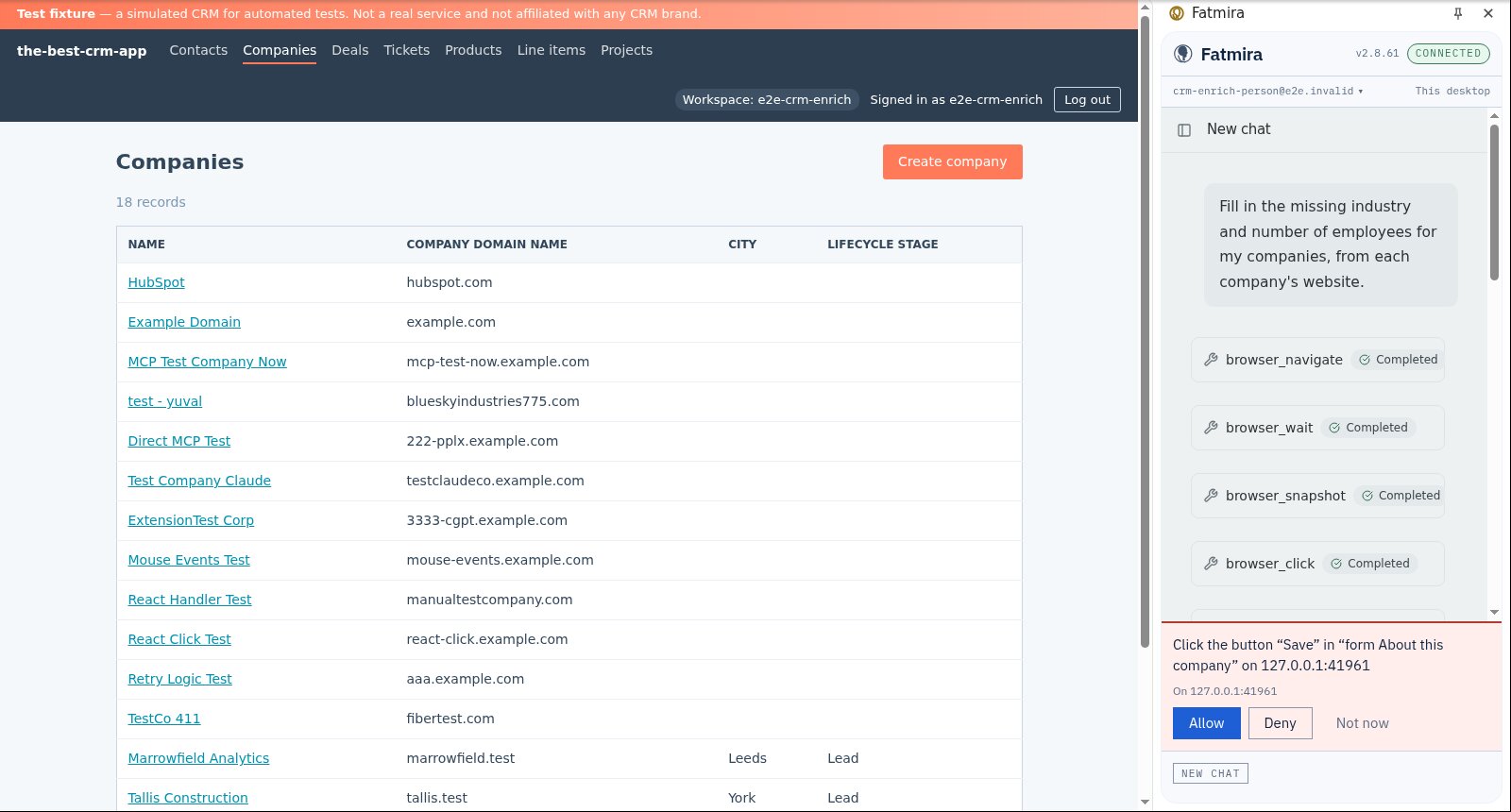
“Fill in the missing industry and number of employees for my companies, from each company's website.”
What Fatmira does
- It finds the gaps. It reads your companies list and picks out the records with industry or size empty. Filled records are left alone.
- It visits each website. For each one it opens the company's own site, using the domain already in your CRM, and reads what the site says about itself.
- It fills the record. It types the industry and employee count into the company's edit form and asks before each save.
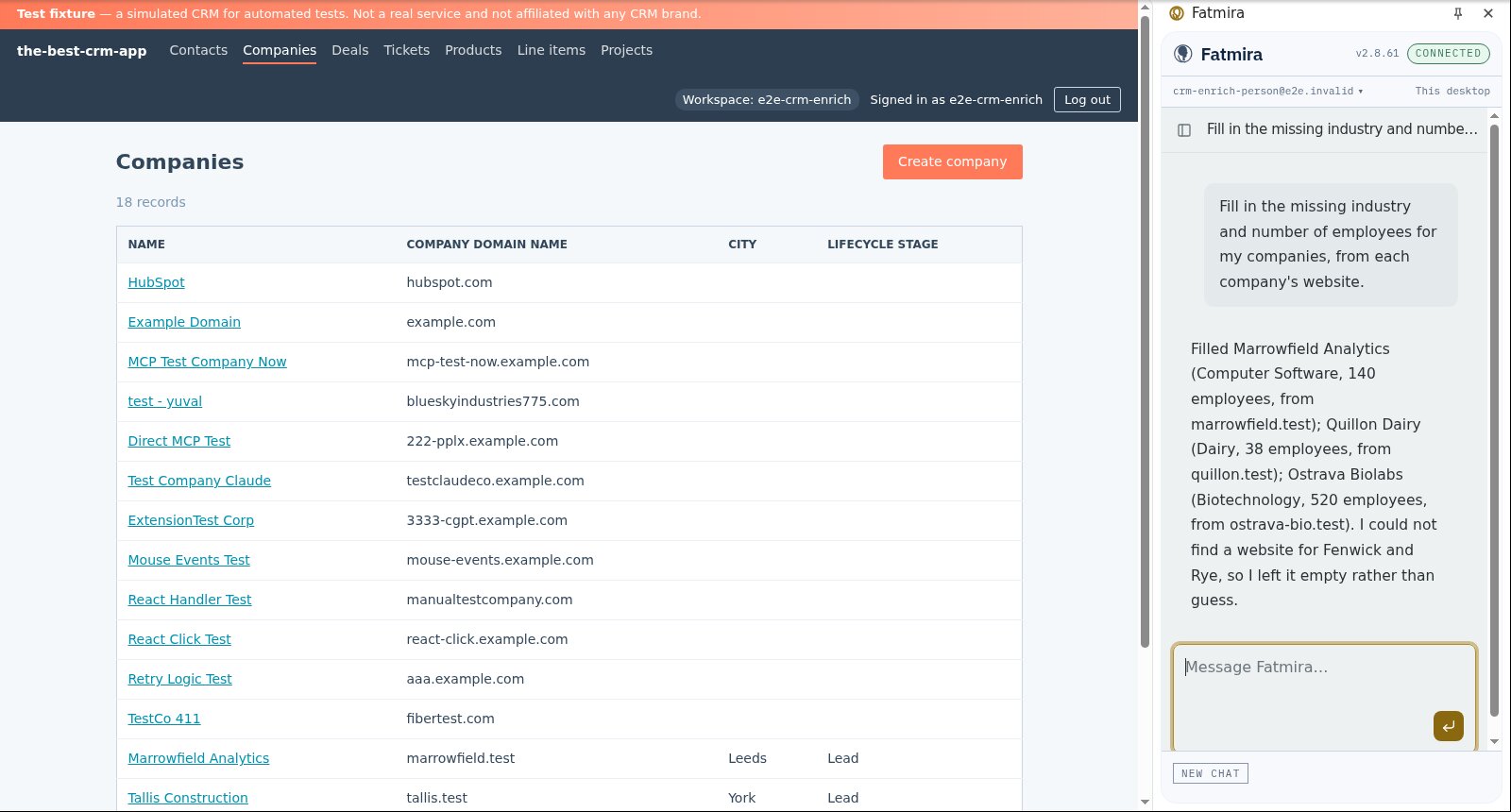
- It says what it couldn't do. If a site doesn't exist or doesn't say, the field stays empty and the reply names the company. It does not guess.
Watch it run
What you get
- Each empty company filled with exactly what its website says
- Companies with no findable site left empty, and listed in the reply
- Already-complete companies byte-for-byte unchanged
Good to know
- It only uses the company's own site. It does not search LinkedIn or data brokers.
- It works only on sites you have allowed, in your own Chrome.
How we know it works
The test seeds six companies in our test CRM: three fillable, one with no website, two already complete. Afterwards it reads every record from the CRM's API and checks each filled value against the company's site, so an invented value fails the test.
The screenshots come from that automated run, so the model's steps are scripted and the site is our test fixture, not the real product. A real-model run on the same task is still to come.
Try a variation
- “Fill in the city for every company with none, from their contact page.”
- “Add the LinkedIn URL from each company's website footer.”