Move today's deals forward, with a follow-up on each
After a day of calls, every deal you spoke to needs its stage moved and a task for later. Fatmira does the round of clicks for you.
What you say
“Move every deal I spoke to today to Proposal sent, and add a follow-up task for Friday.”
What Fatmira does
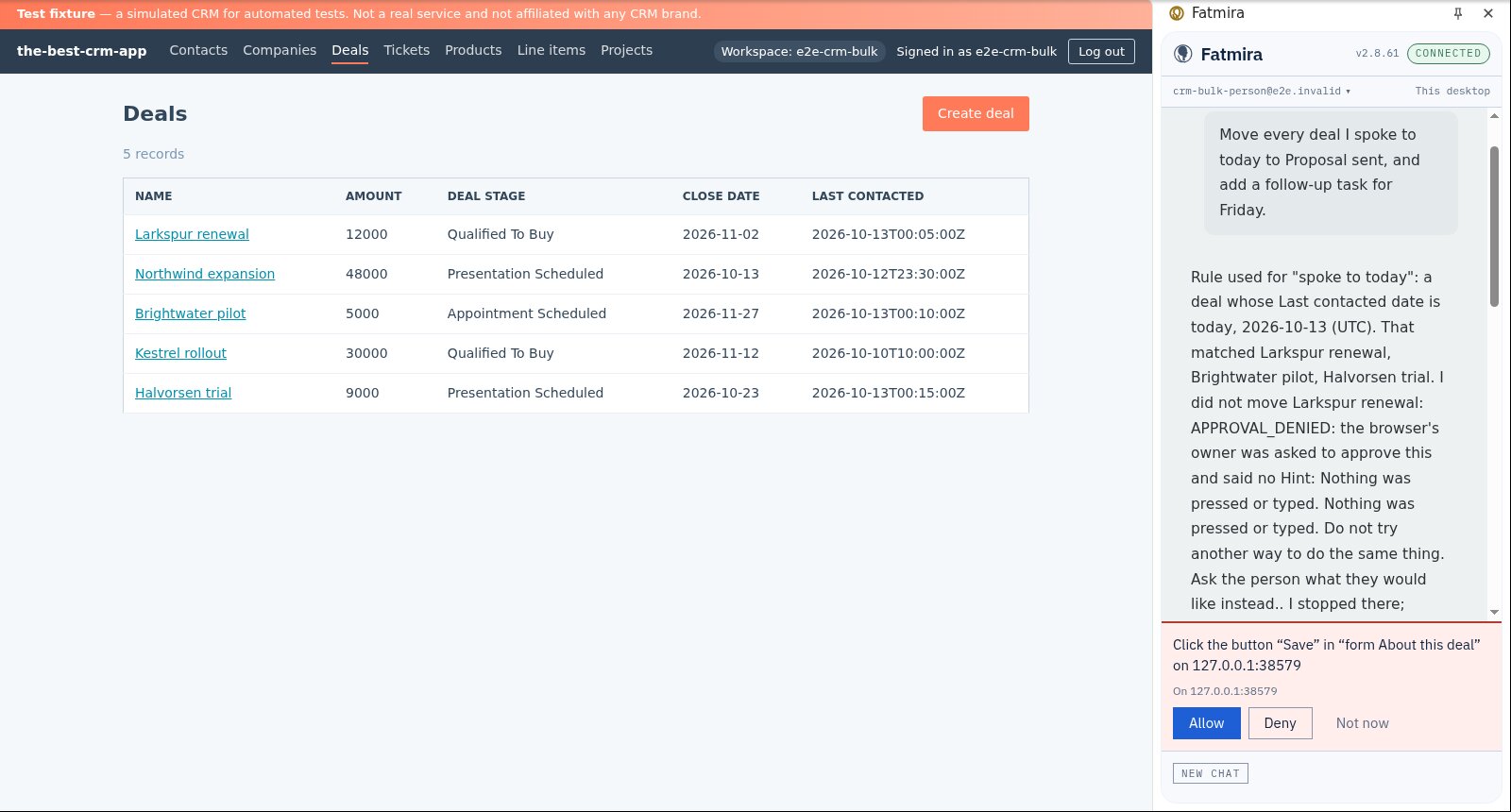
- It decides what “today” means. It reads the Last contacted column on your deals list and says which rule it used, so you can see exactly why each deal was picked.
- It opens each deal in turn. For every match, it opens the deal in your CRM and changes the stage to Proposal sent through the normal edit form.
- It asks before every save. Saving changes your pipeline, so each save waits for your Allow. Deny one and that deal is left alone.
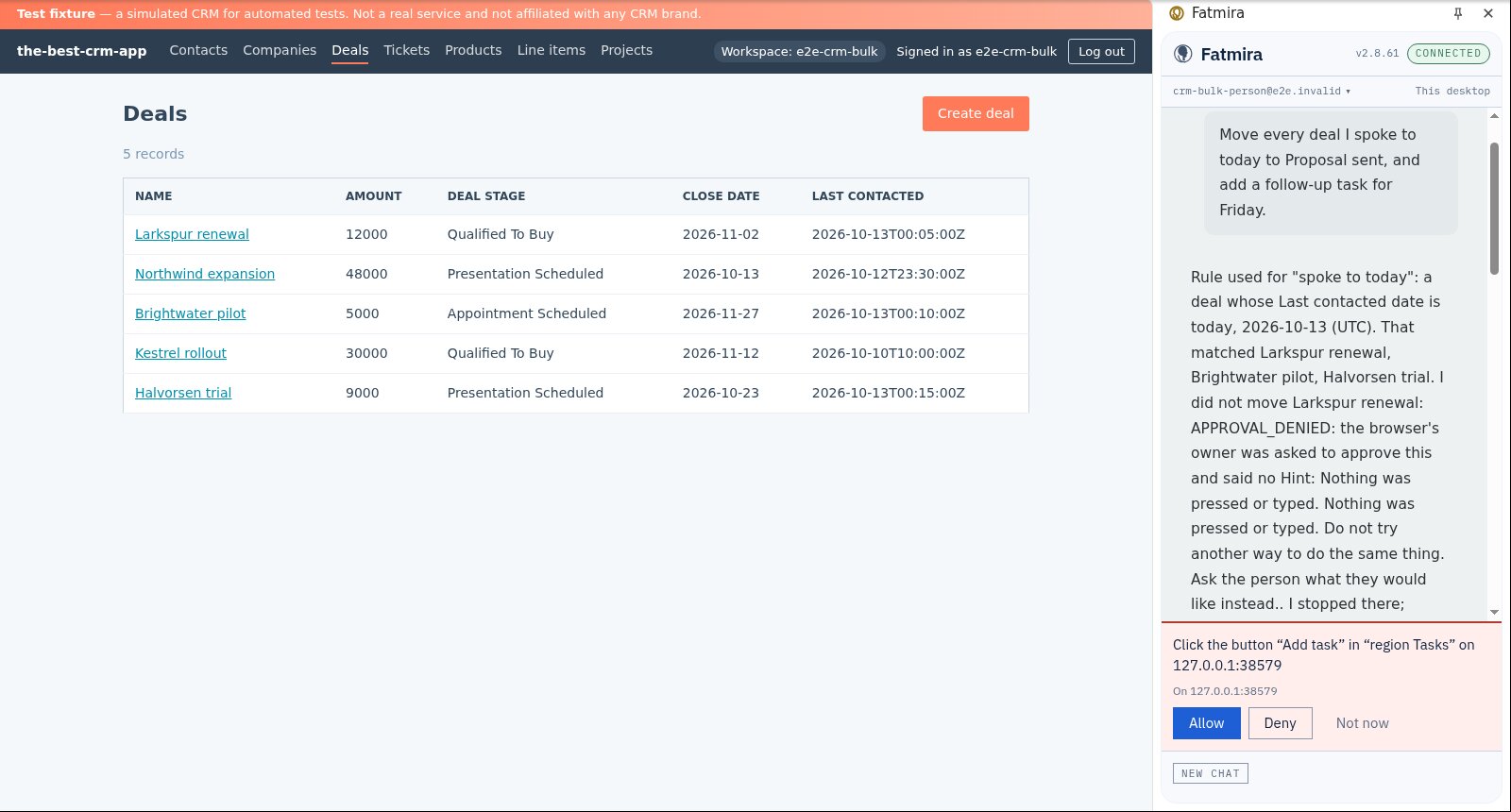
- It adds the follow-up. On each deal it adds a task due Friday, again asking before it presses Add task.
- It reports the list. The reply names every deal it moved and every one it left alone, with the reason.
Watch it run
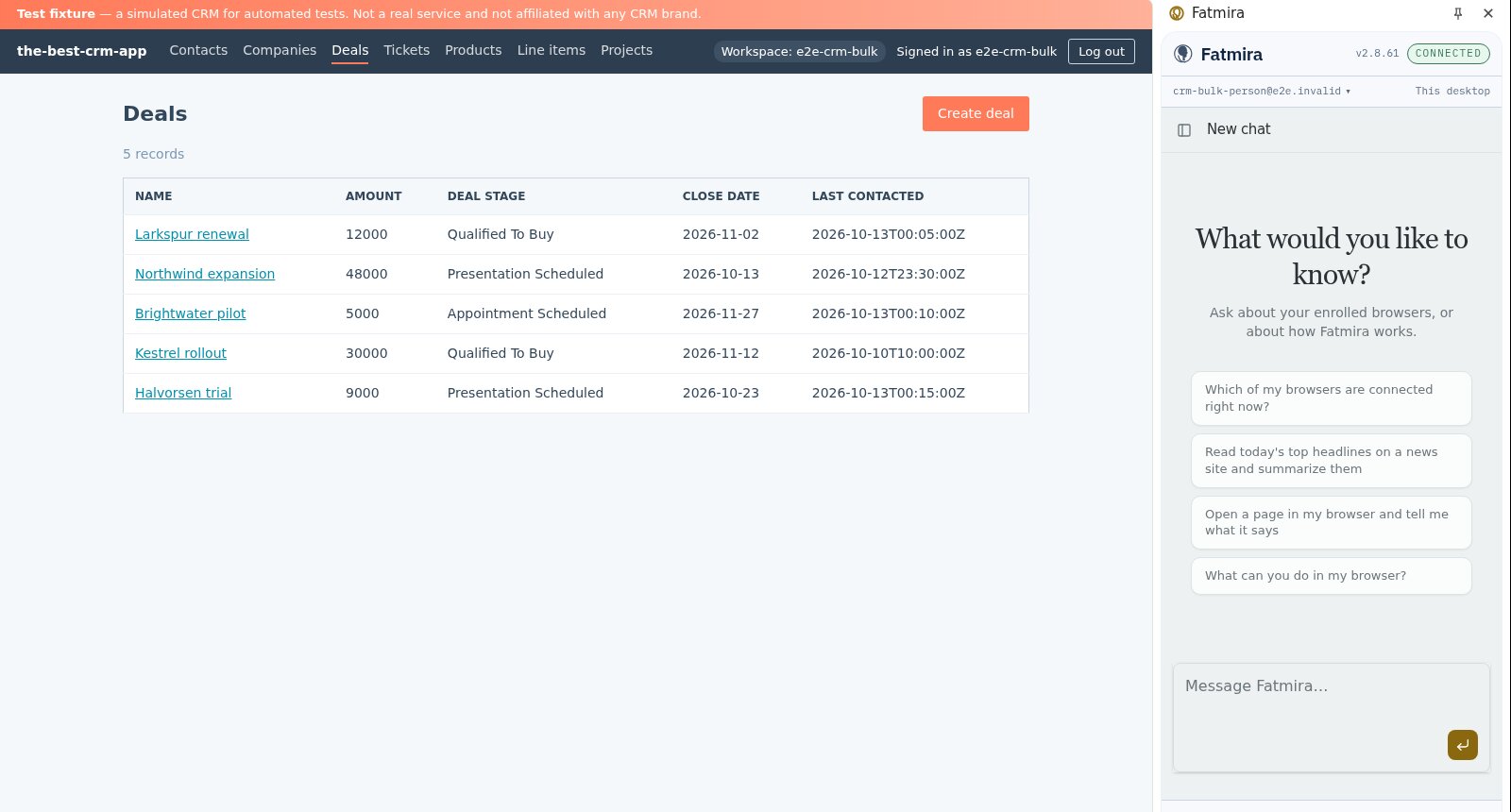
What you get
- Exactly the deals contacted today moved to Proposal sent
- One follow-up task due Friday on each of them
- Deals contacted on other days untouched
- If you deny the first save, nothing changes and no task is created
Good to know
- “Today” comes from the date the CRM shows. If your team logs calls late, say which deals you mean.
- It works through the screens one deal at a time, so a long list takes a few minutes.
How we know it works
Our browser test suite runs this in a real Chrome with the real extension against our test CRM, then asks the CRM's own API which deals moved and which tasks exist. It covers the approved run and a run denied at the first save.
The screenshots come from that automated run, so the model's steps are scripted and the site is our test fixture, not the real product. A real-model run on the same task is still to come.
Try a variation
- “Move every deal with no activity in 30 days to Stalled.”
- “Add a call task for tomorrow on each deal closing this month.”