Put an appointment in the calendar in one sentence
Say what and when. Fatmira works out the date, creates the event, and leaves the rest of the week alone.
What you say
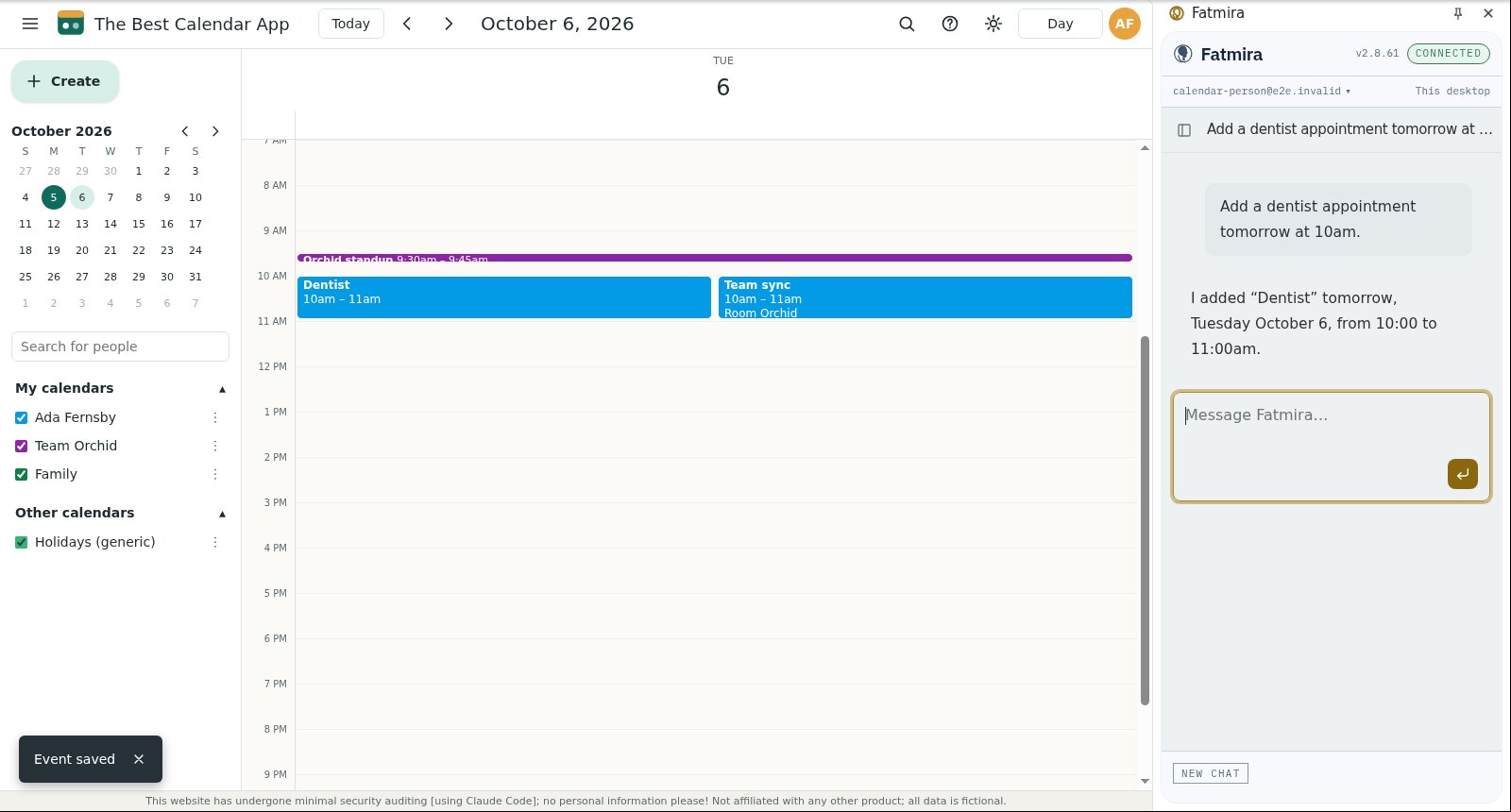
“Add a dentist appointment tomorrow at 10am.”
What Fatmira does
- It works out the date. “Tomorrow” is read from the calendar's own today, so the event lands on the right day.
- It creates the event. It opens Create, names the event, and sets 10:00 to 11:00.
- It asks before saving. Creating and saving the event each wait for your Allow.
- It confirms. The reply gives the exact day and time it booked.
Watch it run
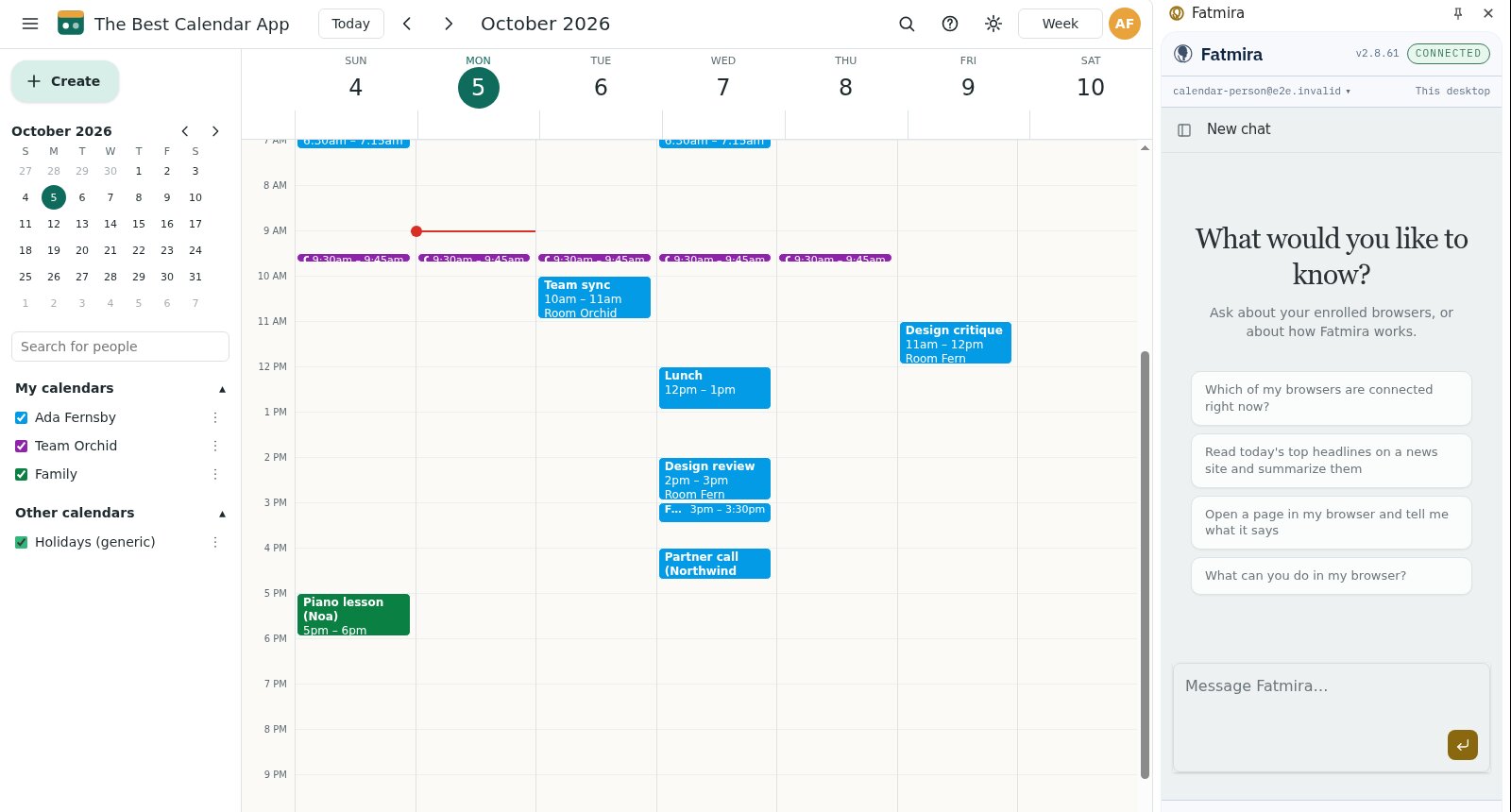
What you get
- Exactly one new event, on the right day, at the right time
- Every other event unchanged
Good to know
- Say the length if it isn't an hour.
- It doesn't invite anyone unless you name them.
How we know it works
The test reads the calendar's stored events afterwards: exactly one Dentist event on the right day from 10:00 to 11:00, and no other event changed.
The screenshots come from that automated run, so the model's steps are scripted and the site is our test fixture, not the real product. A real-model run on the same task is still to come.
Try a variation
- “Move my 3pm to Thursday, same time.”
- “Block two hours for focus every morning next week.”